Start the financing conversation when you send a quote. Centra takes it from there once your customer applies.
1
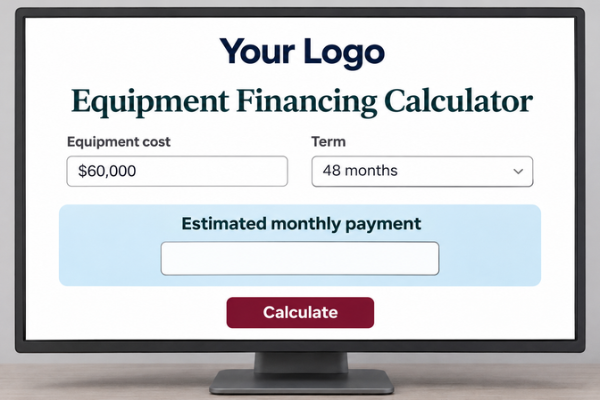
Show estimated payments
Use the calculator when you send an equipment quote so customers can see what the purchase might cost per month.
2
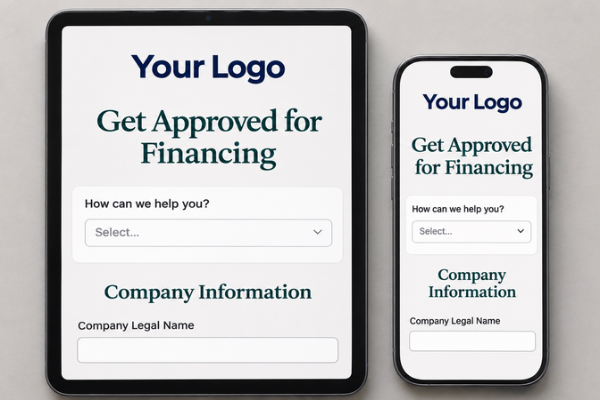
Share your branded application
Send the application with your company logo. Customers complete it online and submit it directly to Centra.
3
Centra handles the financing
We review the application, answer financing questions, and explain the terms and next steps if approved. Your team stays the point of contact for the equipment sale.
It’s for manufacturers, dealers, distributors, and other vendors that sell equipment to businesses. A dealer might introduce financing when quoting a commercial oven to a restaurant or a CNC machine to a fabrication shop.
Can we show estimated payments before a customer applies?
Yes. Use the calculator to compare estimated payments across terms. Centra determines available financing terms after reviewing the customer’s application.
Where can we share the application with our logo?
Add the application link to your website or share it directly with a customer when you send or follow up on an equipment quote.
What happens after I submit a vendor inquiry?
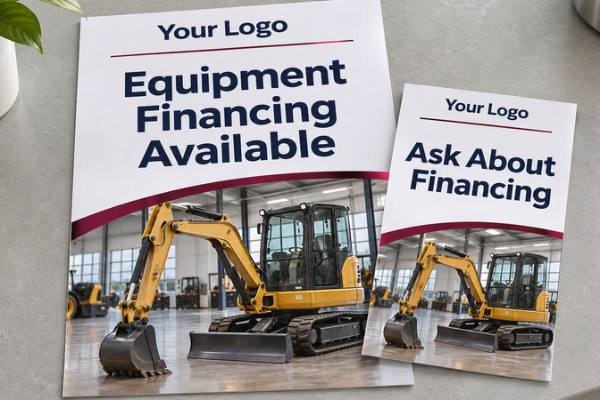
Centra can discuss what you sell, who you serve, and how the calculator, branded application, and sales materials can fit into your sales process.
Ready to Offer Financing to Your Customers?
Tell us what equipment you sell and how your team works with customers. We’ll talk through how to get started.